Offboarding Users from the EDR Security Module
In the HOPLONai platform, navigate to the EDR Security module.
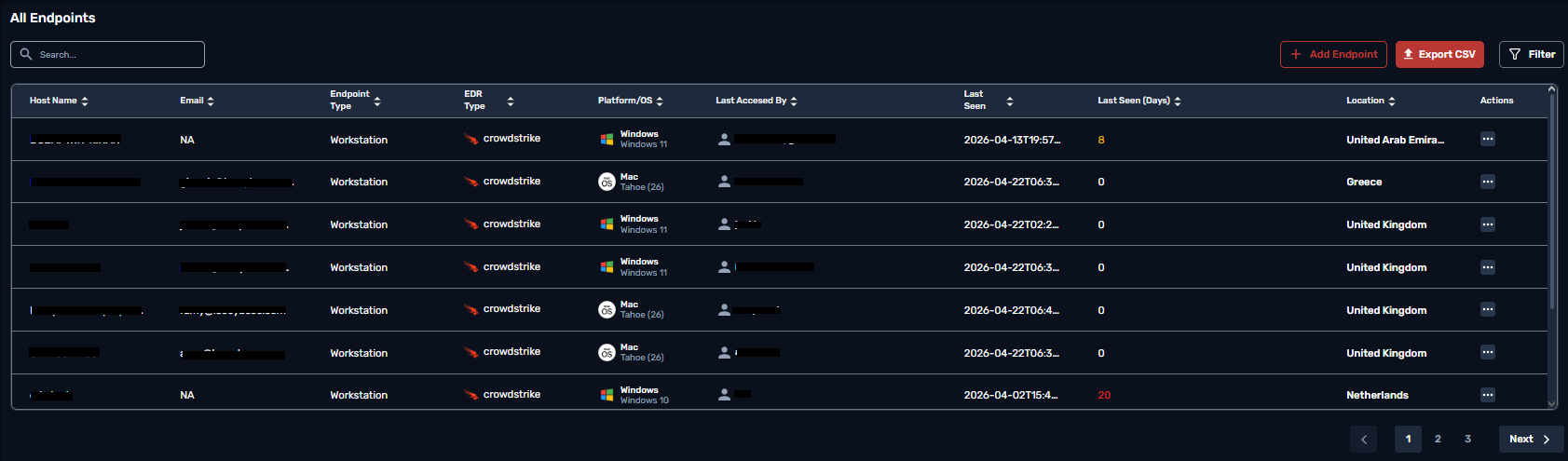
Locate the All Endpoints table.
Under the Actions column, click the ⋮ (three-dot menu) for the user you want to offboard and select Offboard.