Browser security refers to the measures and technologies used to protect web browsers from cyber threats such as malware, phishing, data breaches, and unauthorized access. Since browsers are the primary gateway to the internet, they are common targets for cyberattacks.
The Browser Security Insights provides a comprehensive overview of security-related structure of the company. It includes key data points such as the Company Score, File score , Password score , Sensitivity score and Social engineering Score.

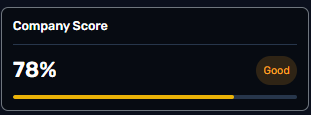
The overall cyber resilience score for the organization.
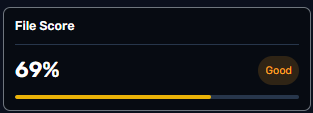
Reflects the risk level related to files users interact with.
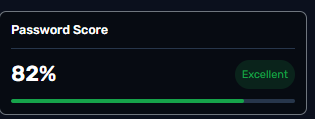
Measures password hygiene risk
Measures the risk of sensitive data exposure.
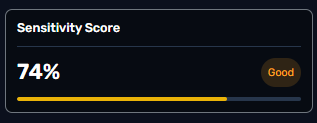
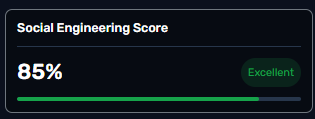
Measures how exposed a user or organization is to deception-based attacks.
This section illustrates the distribution of the agent across different OS.

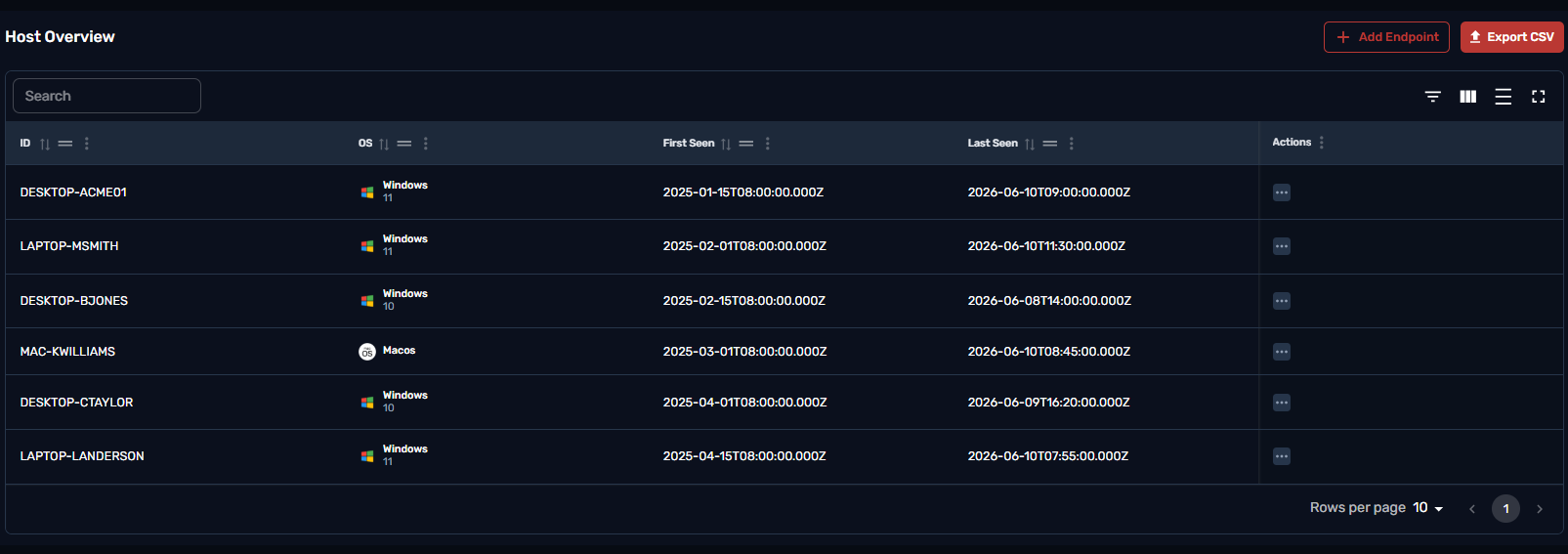
The Host Overview table provides a detailed view of the company devices that have the browser agent activated. Hostname,OS, First Seen, Last active and the ability to offboard the user are all available through this table.
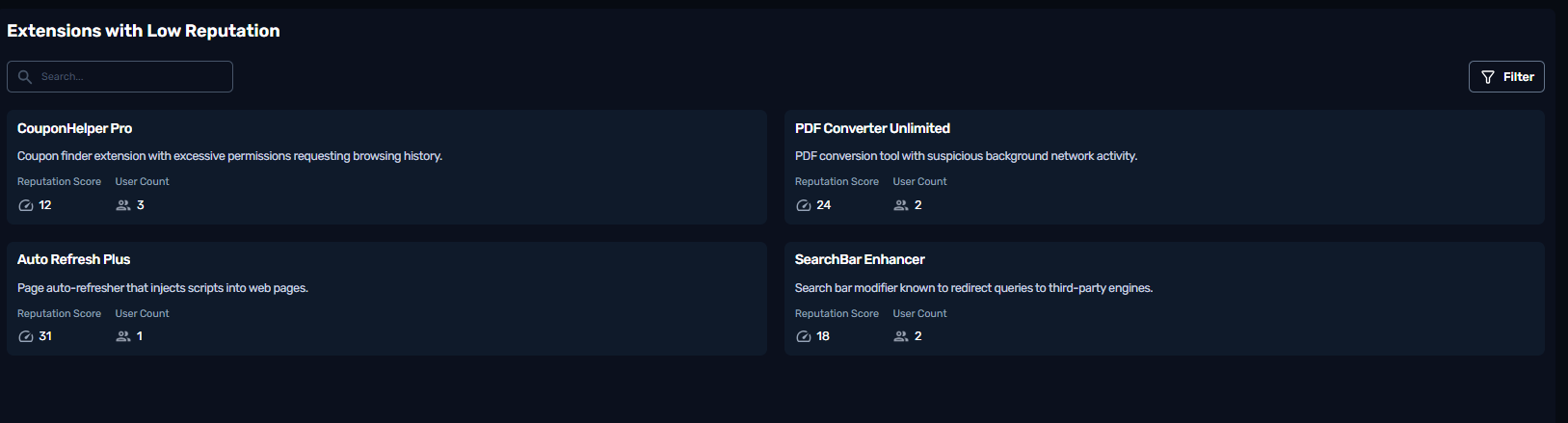
“Extension with low reputation” refers to a browser extension that the agent considers less trusted based on its reputation signals.
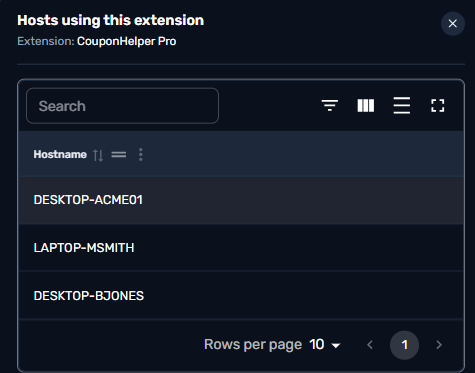
Clicking on any of the untrusted extensions will provide a detailed Host list of users that have the extension enabled.
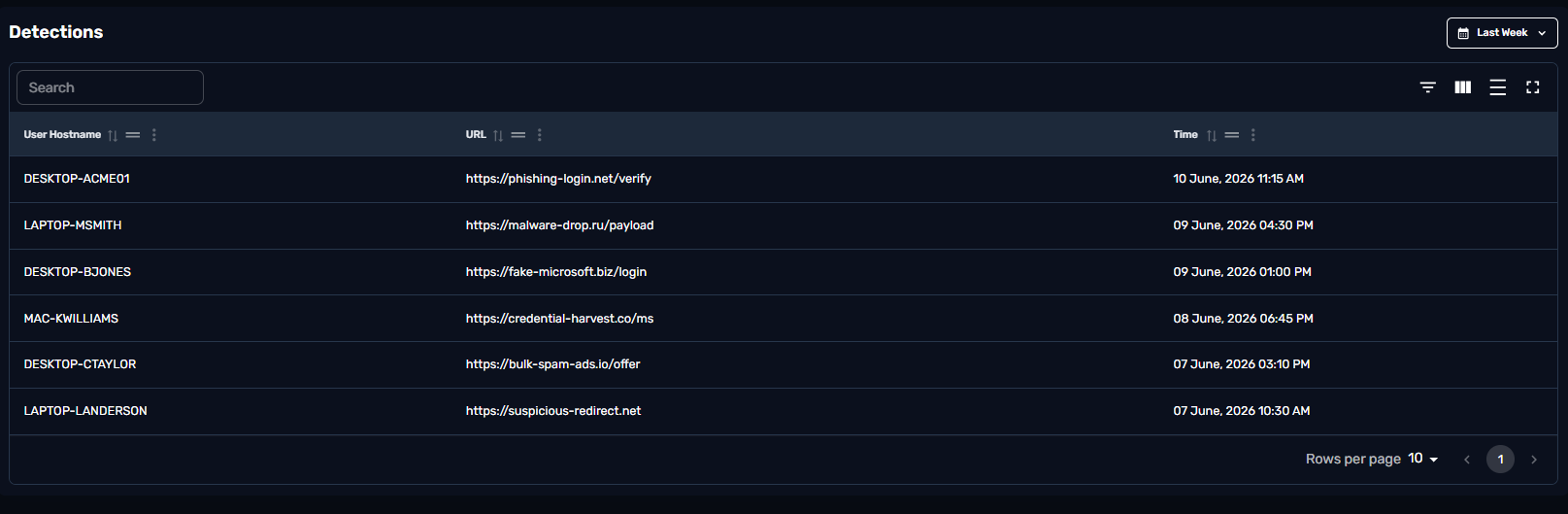
This table provides information of blocked URL through the agents policies. Any URL blacklisted and visited or any URL considered malicious will be blocked when browsed and reported in this table.
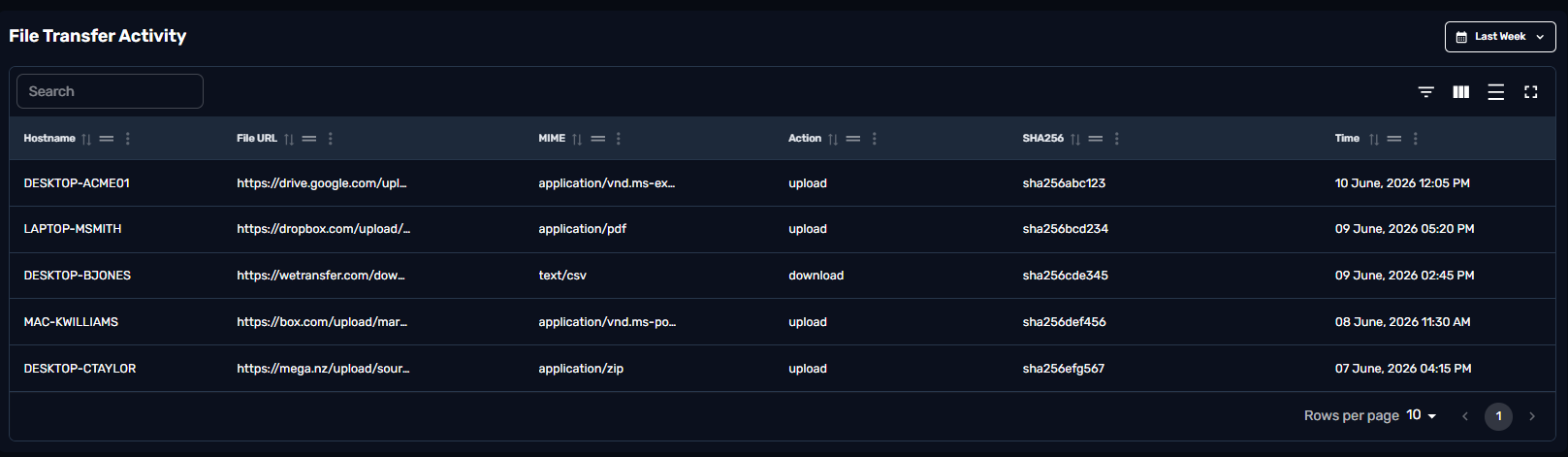
This table monitors File activity across the organization hosts. Any file upload,Download will be captured in this table with the hostname , the URL , type of file , hash and the action.
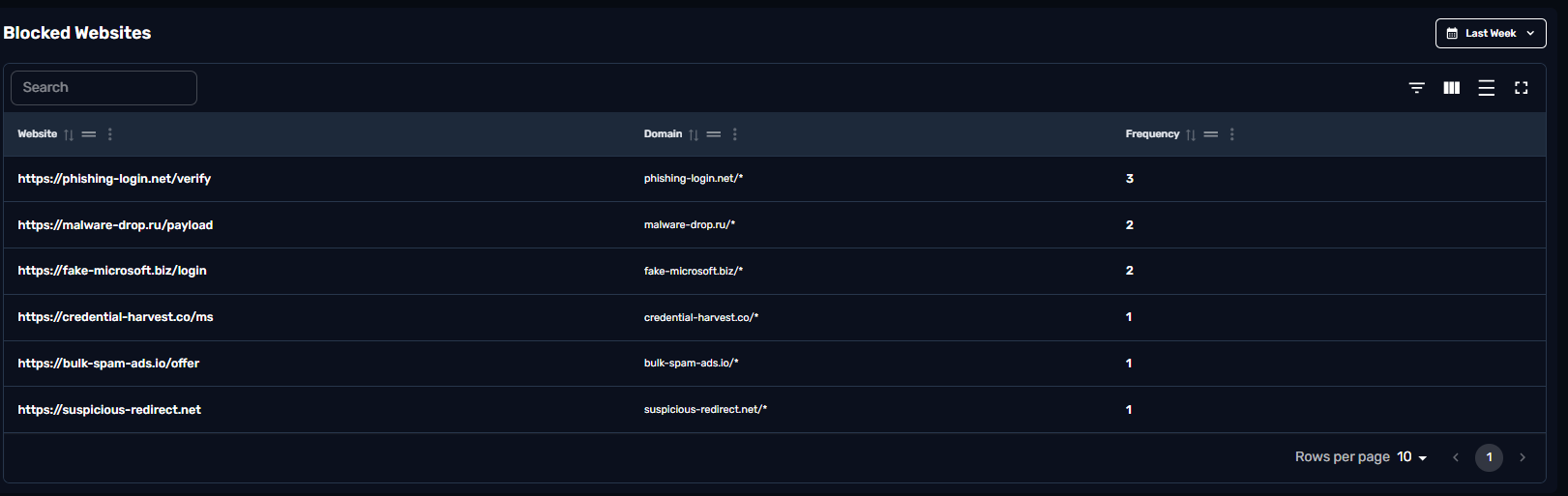
This table reports back the frequency of a blocked URL that is captured through the organization in a specific time frame.
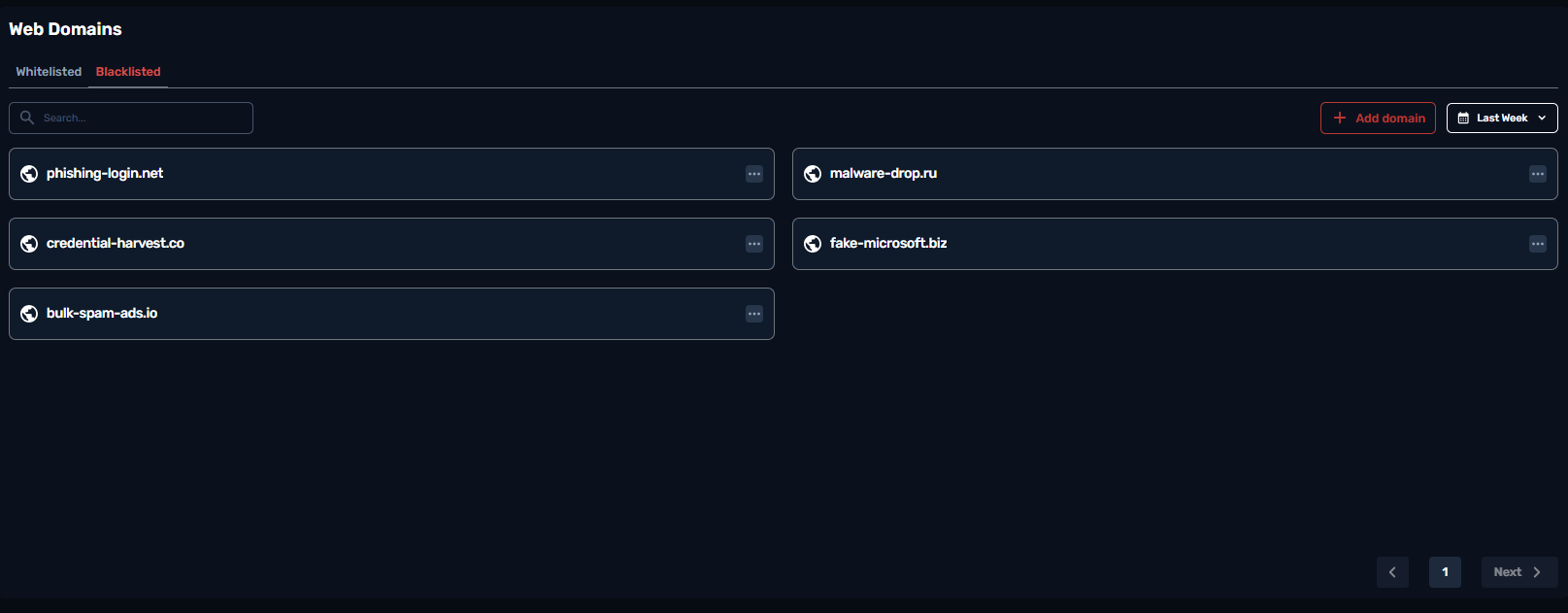
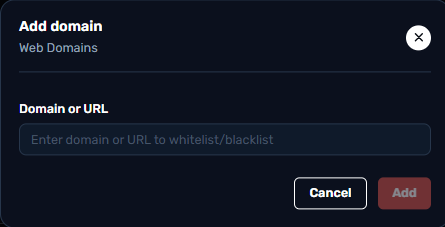
This table shows a full list of Whitelisted / Blacklisted web domains for the organization. Clicking the Add domain button lets the end user blacklist or whitelist a domain.
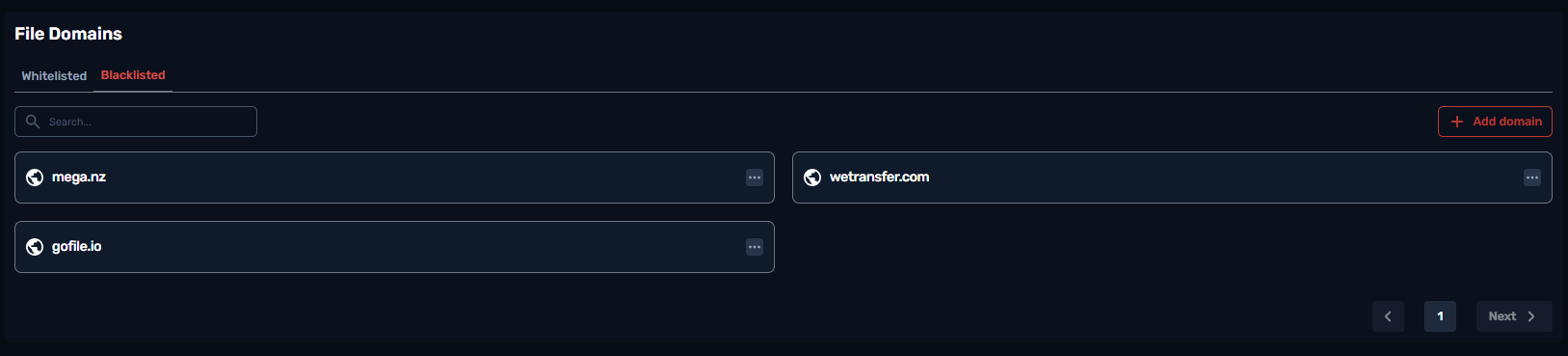
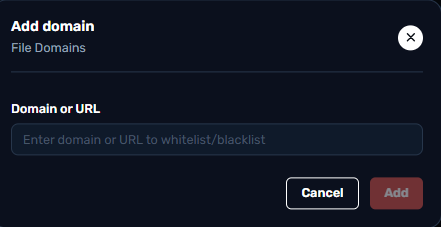
This table shows a full list of Whitelisted / Blacklisted file upload/download domains for the organization. Clicking the Add domain button lets the end user blacklist or whitelist a domain to upload/download files from.
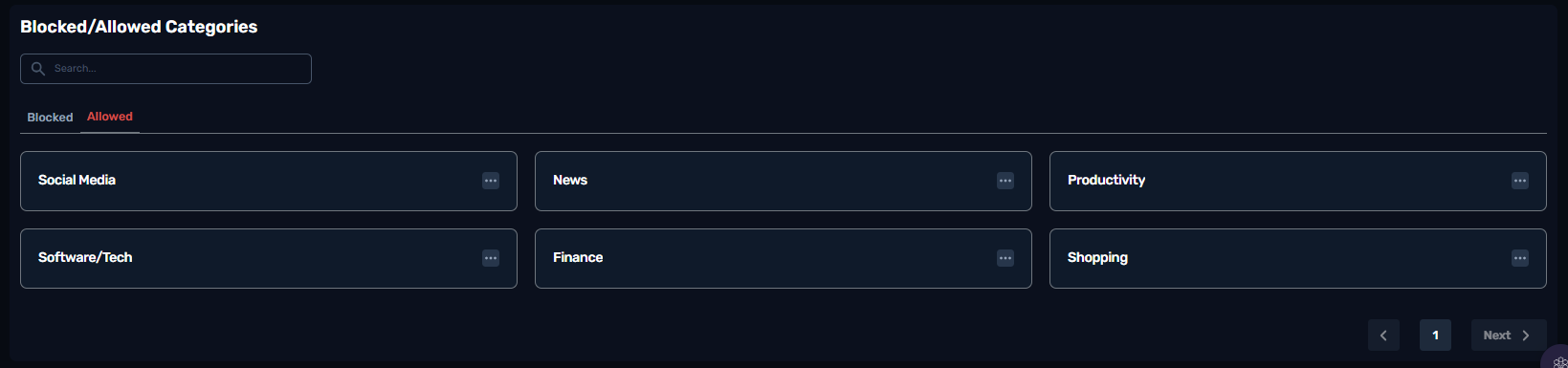
Every URL is categorized from our agent. Social media websites fall under the social media category. The end user has the ability to act on the category instead of whitelisting/blacklisting URLs covering a wider range of websites. Next to each category there’s the action button , allowing the end user to Block or Allow the category to be browsed by the organization.